BUSINESS EDITION · $10 ONCE
From business facts to a publication receipt
1 Introduce your business
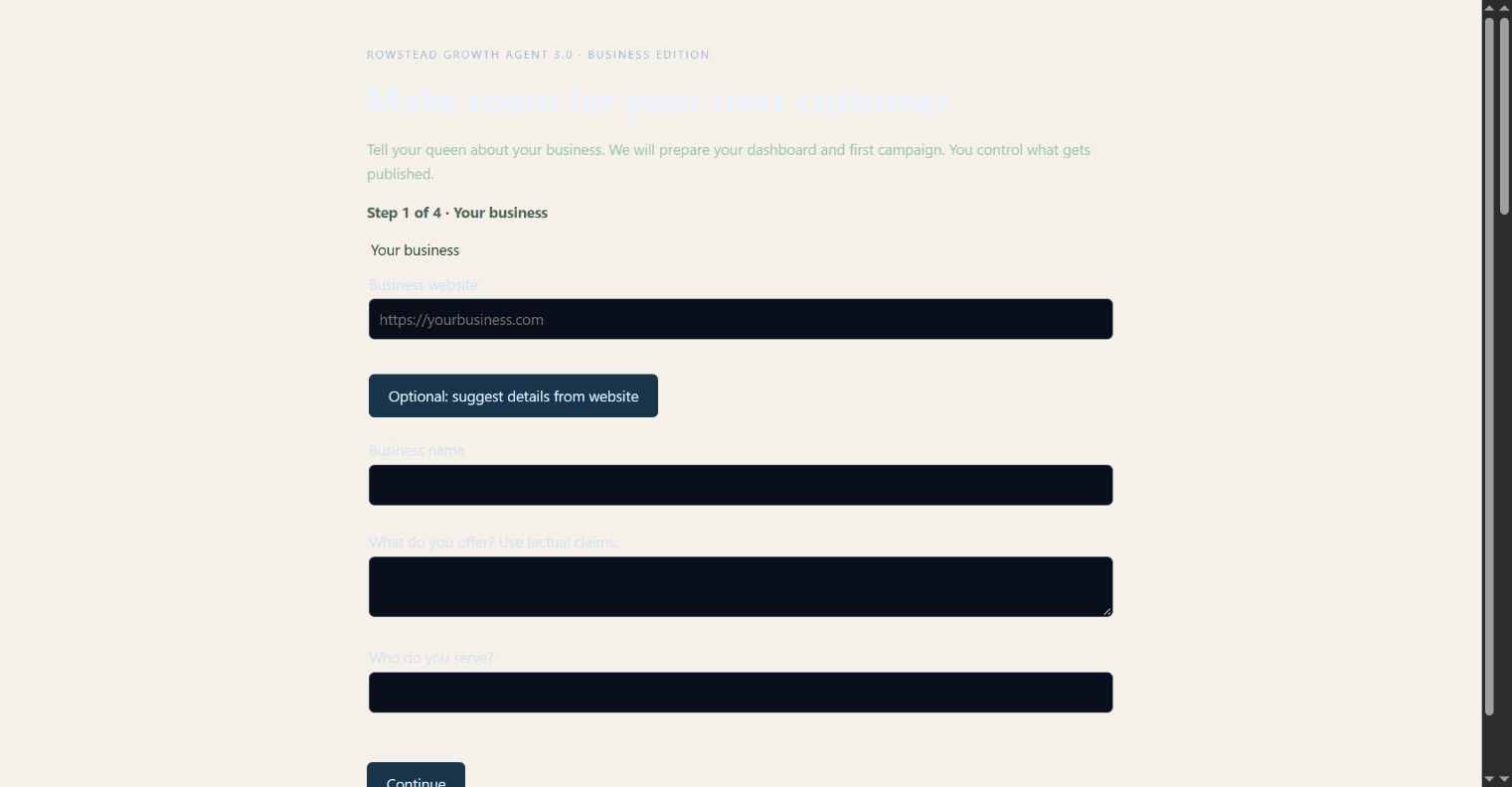
For a fictional Garden Studio, record the gardening service, local audience, public booking link, plain tone and an introduction goal. The Windows metadata helper can suggest a website title and description, but you approve the facts. No customer contacts are harvested.
2 Review a starter campaign
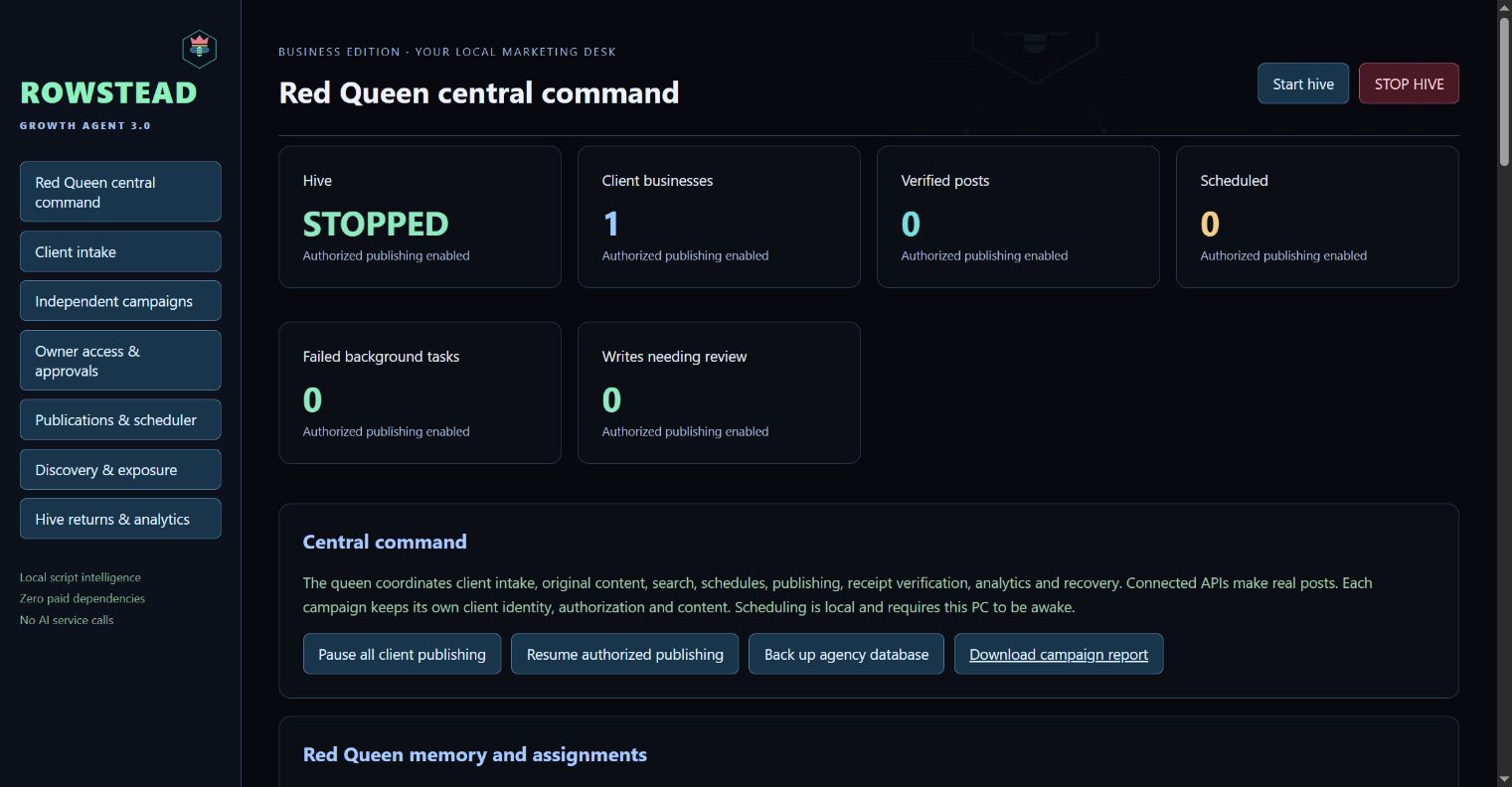
Setup creates a paused campaign and three drafts. Check every claim and the destination link. Keep distinct campaigns for different offers; do not confuse a CSV import tool with a marketing desk. Scheduling is preparation until a publisher actually submits.
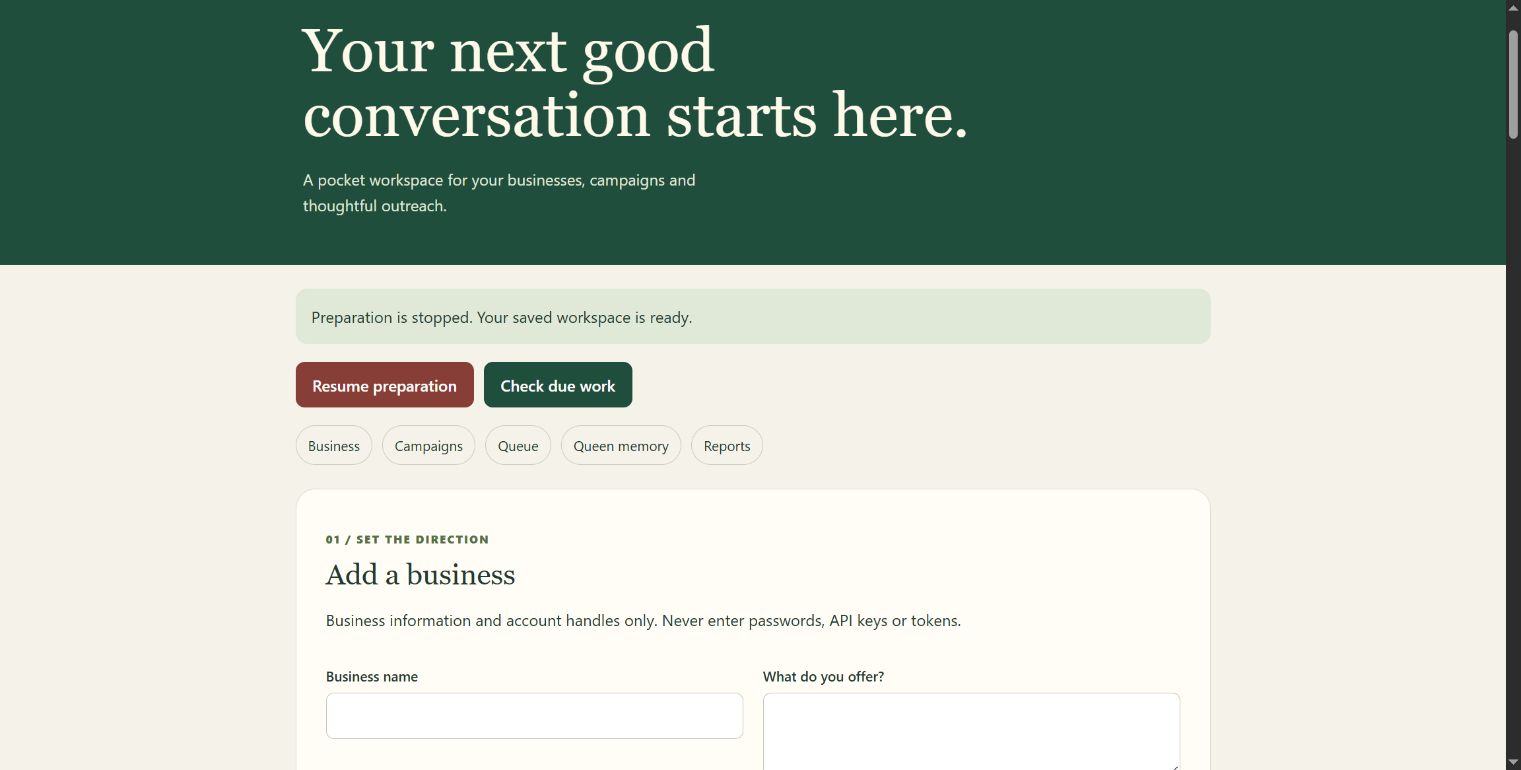
The iOS companion workspace
Actual companion interface in Chrome using fictional demo data. This is browser UI evidence, not a physical iPhone screenshot.
3 Choose the destination you control
Connect a supported API only after you have the required account authority. DEV content must fit a technical community. Facebook publishing needs Page permissions and a Page token; being signed into Facebook alone does not establish API access. On iOS, use native sharing and complete the platform action yourself.
4 Keep clear states
A draft has content. A scheduled job has a due time. A failed request keeps its error. An uncertain write is held so it is not blindly submitted again. Windows only counts a verified publication after remote readback. The iOS companion labels manually recorded receipts as owner-reported.
5 Report what happened
Review destination, intended time, attempt, public receipt, verification time and error. Separate page hits, referrals and paid orders. Visits may include your own checks; an outbound click is not a sale. Provider measurement requires its own connection and freshness window.